Remote work habits that drain your energy
You are not lazy and you are not imagining it. Some of the most normal-looking remote-work habits quietly drain your energy all day. Here are six of them, and a simple fix for each.

Image: Pexels
Remote work removes the commute and the office noise, but it adds a quieter kind of tiredness. A lot of it comes from habits that feel productive while slowly draining you. Here are six, with a fix for each.
1. Back-to-back video calls
Video is more tiring than in-person: you are staring at a grid of faces and your own reflection for hours. The fix: default meetings to 25 or 50 minutes to build in breaks, turn your self-view off, and make calls that could be a message a message.
2. Being always on
With no commute to end the day, work bleeds into the evening and you never fully switch off. The fix: a hard stop and a small shutdown ritual (close the laptop, a short walk) that tells your brain the day is over.
3. Typing everything, all day
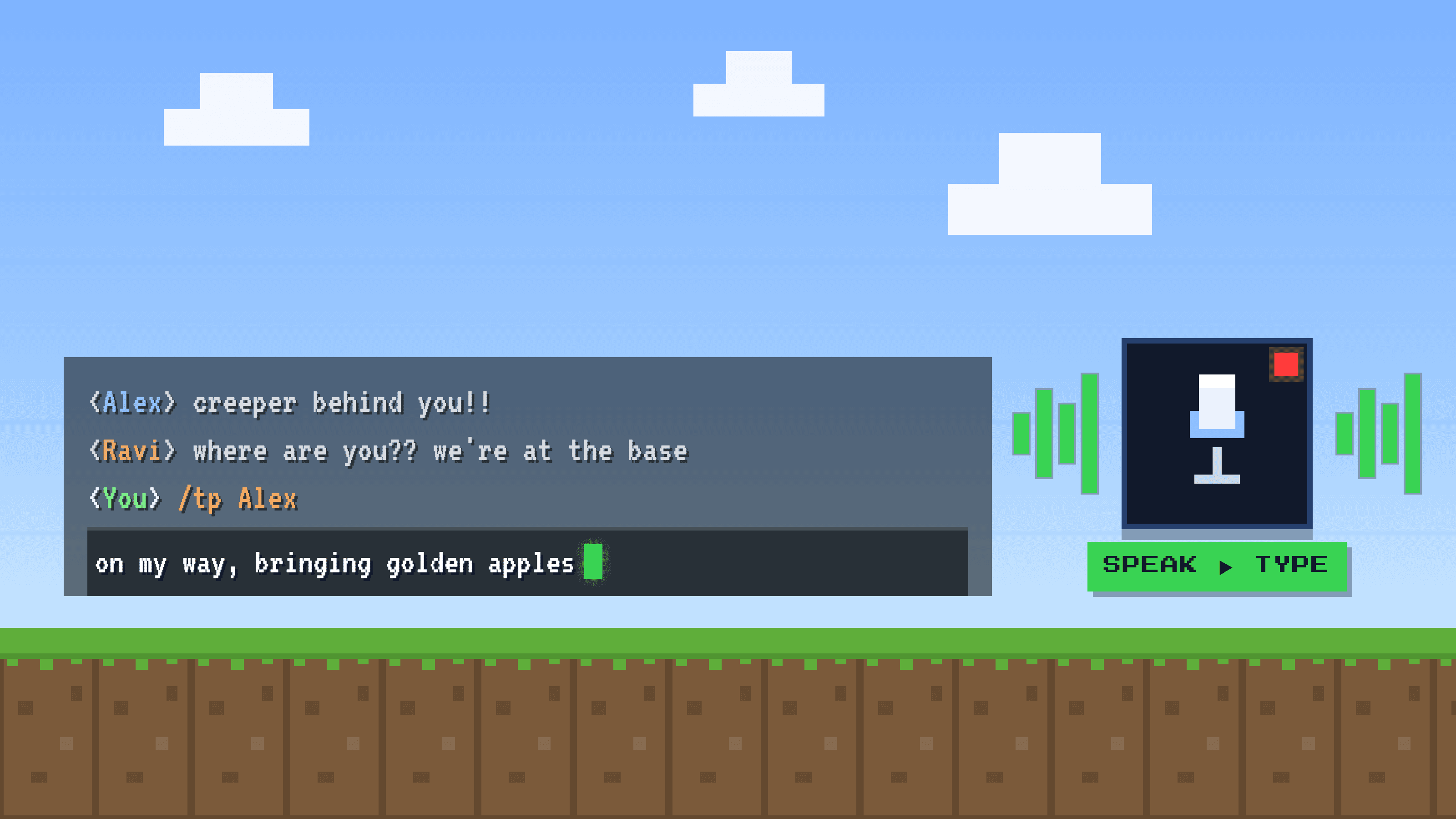
This one is invisible. Remote work is writing all day: Slack, email, docs, tickets. Composing text is real cognitive and physical effort, and it adds up to genuine fatigue by evening. The fix: talk instead of type where you can. Golem turns your voice into clean text in any app, about 5x faster and far less tiring than the keyboard. Speaking a message takes a fraction of the effort of typing it, and your hands and focus get a break.
4. Notification overload
Every ping is a small context switch, and context switches are expensive. By evening, a day of them feels like exhaustion with nothing to show for it. The fix: batch notifications, mute non-urgent channels, and check messages on your schedule, not theirs.
5. No real breaks
At home it is easy to work straight through, eat at your desk, and never move. The fix: short breaks that involve standing up and looking away from the screen. Even five minutes an hour changes how you feel by 5pm.
6. No boundary between work and home
When your desk is your dinner table, your brain never leaves the office. The fix: a dedicated spot for work, even a corner, that you can physically walk away from. The separation is what lets you rest.
The theme
Most remote fatigue is friction you stopped noticing: too many calls, too many pings, too much typing, no edges to the day. Remove a little friction from each and the energy adds back up.
Frequently asked questions
Why is remote work so tiring?
A mix of video-call fatigue, constant notifications, no boundary between work and home, and hours of typing. Each feels normal but quietly drains energy over the day.
How do I avoid burnout working from home?
Set a hard stop, batch notifications, take real breaks, keep a dedicated workspace, and reduce low-value friction like meetings and typing. Small changes compound.
Does talking instead of typing really help?
For many people, yes. Speaking is about 5x faster than typing and takes less physical effort, so a writing-heavy day feels lighter. A voice-typing app like Golem works in any app.