GOLEM BLOG
The Golem blog
Guides and comparisons on OpenAI Whisper, voice typing, and getting more done by speaking instead of typing.
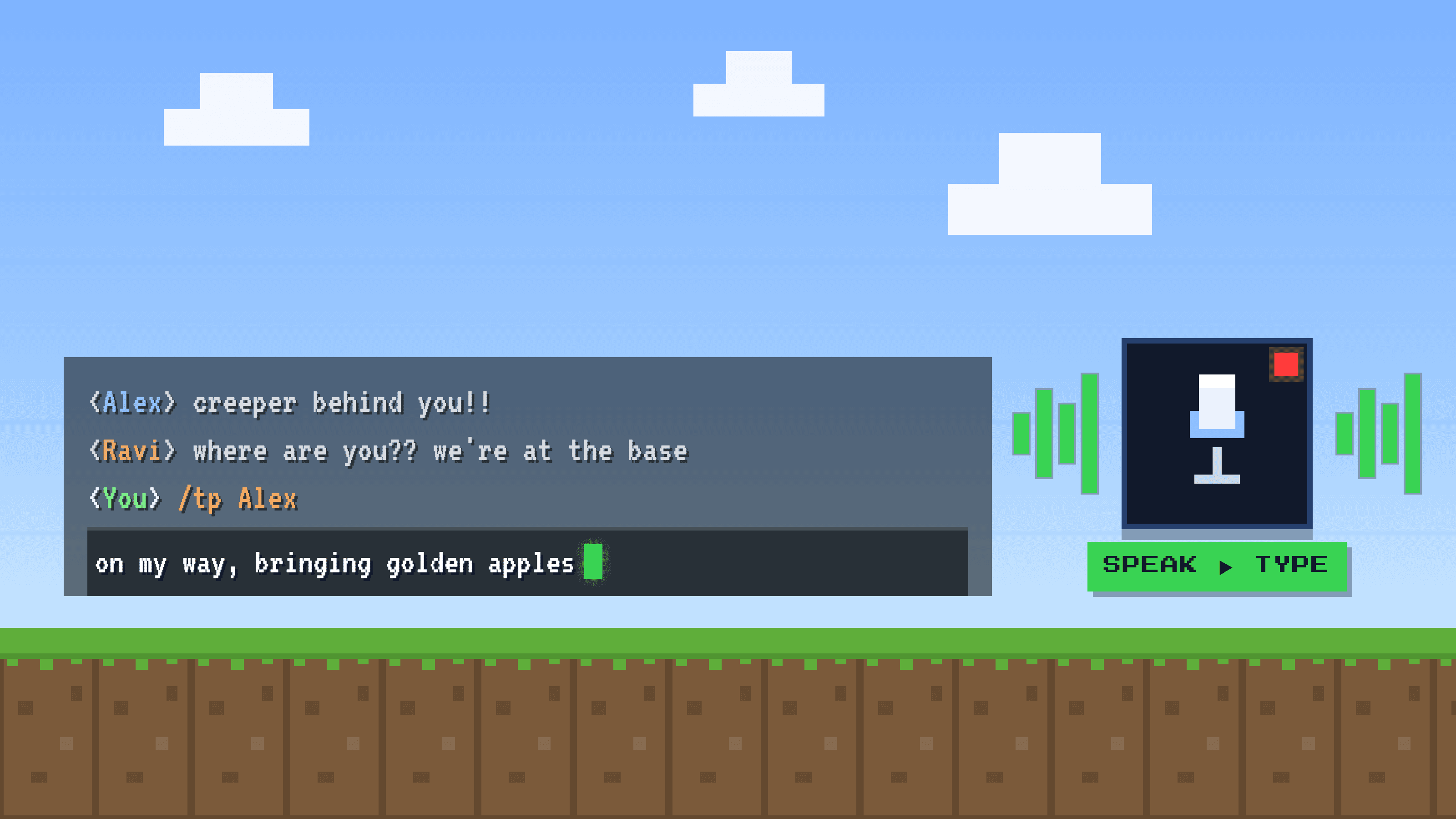
How to voice type in Minecraft chat (and fire off commands with your voice)
It is midnight, a creeper is on your heels, and your team needs an answer now. Here is how to talk your Minecraft chat messages and commands into the box instead of thumbing them out one key at a time.
Read more
How to dictate real text into WhatsApp Web and Telegram Desktop
The mic button in WhatsApp and Telegram records a voice clip, it does not type your words. Here is how to actually dictate readable text into the message box on desktop, for free and beyond.
Read more
Speak Spanish, type in English
Native voice typing runs one language at a time and never translates. If you think in Spanish and write to US clients in English, here is the honest map: the free workaround, its real friction, and the tools that turn spoken Spanish into polished English.
Read more
How to Dictate by Voice in Outlook and Excel
Microsoft's Dictate is a real feature, but it is a key-card that only opens some doors in one building, and you pay monthly rent to keep it. Here is how to actually dictate into Outlook and Excel, free options included.
Read more
How to dictate messages in Microsoft Teams and Discord
Both apps are obsessed with your voice on calls, but the one place you type has no dictation. Here is why, plus a genuinely useful way to talk your messages instead.
Read more
How to Fill Out a PDF Form by Voice
Adobe Acrobat, Preview, and the browser PDF viewer have no voice dictation into form fields. Here is the honest workaround, field by field, and where it breaks.
Read more
Voice Typing on Linux: What Actually Works
Linux never shipped a polished voice-typing feature the way Windows and Mac did. But the open-source world quietly filled the gap. Here is what actually works, how to set it up, and where the seams still show.
Read more
Voice typing that works in any app, not just one
Native dictation is a drawer full of remotes: Google Docs has one, Word has another, and Gmail, Sheets, Notion and Slack have none at all. What you actually want is one universal remote that types into everything.
Read more
How to dictate emails in Gmail by voice
Google built a recording booth in one room and forgot the mic in the room where you talk the most. Google Docs has Voice typing built in. Gmail, where you probably write far more words every day, has none. Same company, same account, and the compose box just sits there silent. Here is how to dictate an email anyway.
Read more
Voice typing in Google Sheets
Google Docs and Google Sheets are twins in the same Workspace, but only one of them can talk. Here is why Sheets has no Voice typing, and how to dictate into a cell anyway.
Read more
How to dictate in Notion
Notion sells itself as your second brain, the place you dump every idea, note and task. Odd, then, that it cannot hear you: there is no built-in way to speak and watch your words land in a block. Here is how to fix that.
Read more
How to dictate messages in Slack
You spend the whole workday talking: meetings, huddles, thinking out loud. And yet the one place you write the most, the Slack message box, has no way to listen. Here is why, and how to make Slack hear you anyway.
Read more
Why dictation always spells your name wrong
It is the coffee-cup thing, but on your screen. You say your name clearly and dictation writes back a spelling that is not yours. It is not mishearing you, it is playing the odds. Here is why, and how to make it stop.
Read more
Nobody wants your 4-minute voice note
Voice notes are human and often lovely. But a four-minute ramble is a package shipped cash on delivery: instant for you to send, and the receiver pays the whole toll. Here is when to send text instead, and how to do it without slowing down.
Read more
How to dictate by voice in Word and Google Docs
Think of the perfect waiter: he writes down every word you say without a single error, but he never adds a comma unless you say 'comma'. That is exactly how dictation works in Word and Google Docs. Here is how to use it in English, and what to do when narrating punctuation gets old.
Read more
How to dictate in Word and Google Docs in any language
Native dictation is like a government office with a separate counter for every language: you can only stand at one at a time. But a normal sentence mixes languages, a Spanish email with a product name in English, a French client's name. Every switch means walking to another counter. Here is the honest fix.
Read more
Stop saying "comma, period": dictation that punctuates itself
A century ago, telegrams typed the word STOP because the machine could not punctuate. Every time you say 'comma' or 'period' out loud while dictating, you are that telegraph operator. Here is why it happens, and how to stop.
Read more
Voice typing that finally understands your accent
You slow down, you flatten your vowels, you over-enunciate like a newsreader, and the machine still says 'I didn't catch that.' The problem was never your accent. It was who the machine was built to hear.
Read more
The best Wispr Flow alternative in 2026
Wispr Flow is a genuinely good voice-dictation app. It is also one of the pricier ones. If you love dictating but not the bill, here is an honest look at Golem: the same everyday voice typing, with strong privacy and a price built for everyone.
Read more
The best Dragon alternative in 2026
Dragon has been the professional dictation standard for years. It is also expensive, heavy, and no longer made for Mac desktops. If Dragon feels like more tool (and more cost) than you need, here is an honest look at a modern alternative.
Read more
The best voice-to-text app for Spanish (2026)
Most dictation tools are built English-first, and it shows: worse accuracy in Spanish, trouble with accents and regional words, interfaces and support only in English, and prices in dollars. Here is how to choose one that actually works in Spanish.
Read more
How to dictate your ChatGPT and Claude prompts
The quality of what you get from ChatGPT or Claude depends on the prompt you give it. And the best prompts are long and specific, which makes them slow to type. The fix is simple: talk to your AI instead of typing.
Read more
The best dictation apps for Windows (2026)
Dictation on Windows has gotten genuinely good. Some tools are free and built in, some are premium, and one gives you almost everything for a few dollars. Here is a fair look at the best options in 2026, and how to choose.
Read more
The best dictation apps for Mac (2026)
macOS has a good free dictation tool built in, plus a wave of AI-powered apps that go far beyond it. Here is a fair look at the best voice-to-text options for Mac in 2026, and how to pick the right one.
Read more
The best free voice-to-text software (2026)
Turning your voice into text does not have to cost anything. Between the tools already built into your devices and the free tiers of dedicated apps, there is a lot you can do for free. Here is what is actually worth using.
Read more
Whisper vs Whisper Turbo: which should you use?
OpenAI's Whisper comes in a few sizes, and the newest, large-v3-turbo, is dramatically faster. But faster at what cost? Here is a plain-language look at Whisper vs Whisper Turbo and how to choose.
Read more
10 vibe coding tips to ship faster
Vibe coding, building software by describing what you want to an AI instead of writing every line, is one of the biggest shifts in how software gets made. Do it well and you move incredibly fast. Do it badly and you get a mess. Here are 10 tips that make the difference.
Read more
How to save time with Claude
An AI assistant like Claude can genuinely give you hours back every week, or waste your time on vague back-and-forth. The difference is almost entirely in how you use it. Here is what actually saves time.
Read more
The best apps for remote workers (2026)
Remote work lives or dies by your tools. You do not need fifty apps, you need one good one per job. Here is a lean, honest stack for 2026, one pick per category, including the one that quietly saves the most time.
Read more
Remote work habits that drain your energy
You are not lazy and you are not imagining it. Some of the most normal-looking remote-work habits quietly drain your energy all day. Here are six of them, and a simple fix for each.
Read more
How to use OpenAI Whisper without coding
OpenAI's Whisper is one of the best speech-to-text models ever released, and it is completely free and open source. The catch: actually running it usually means Python, ffmpeg, model downloads and a decent GPU. Here is how to use Whisper without writing a single line of code.
Read more